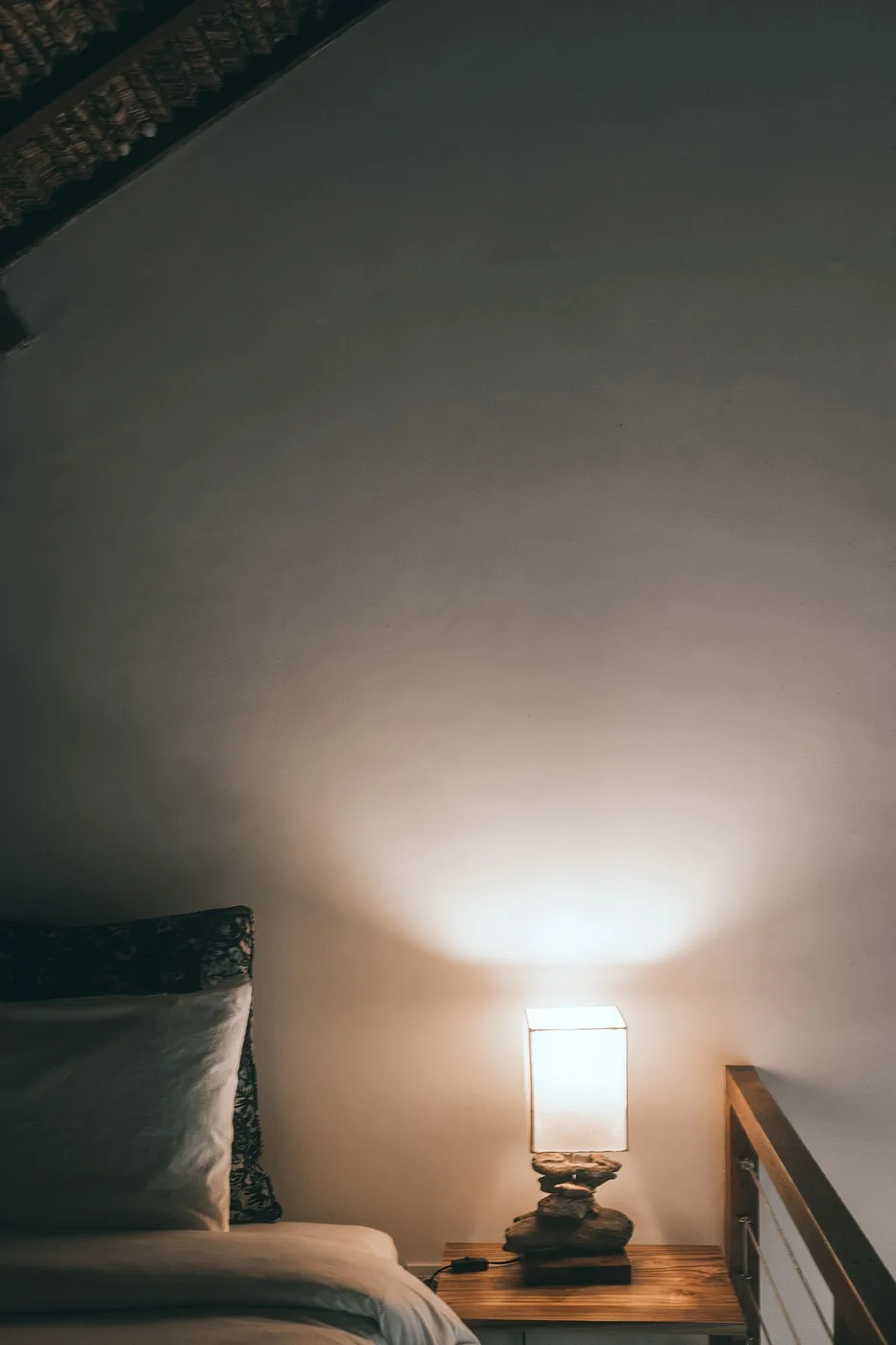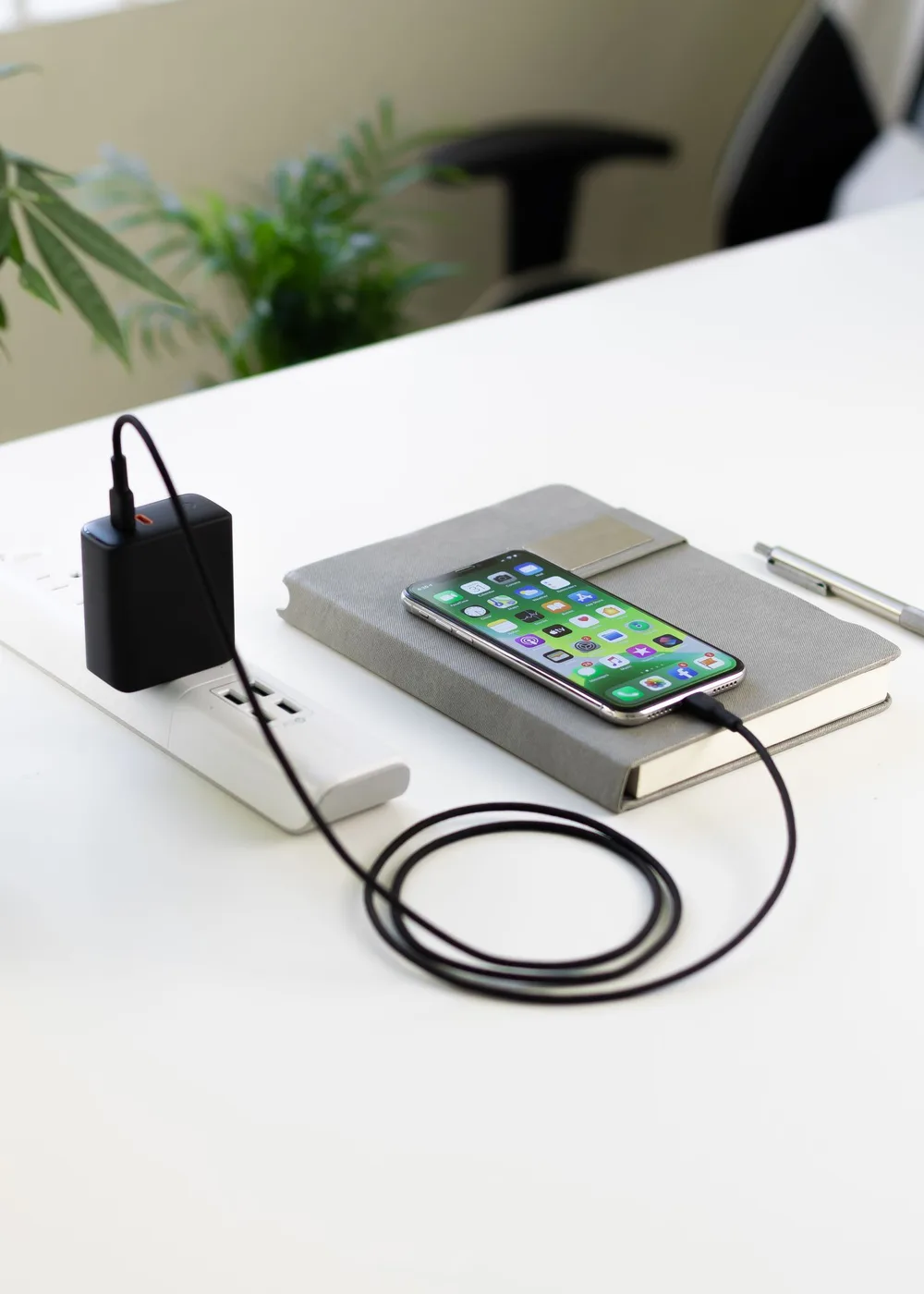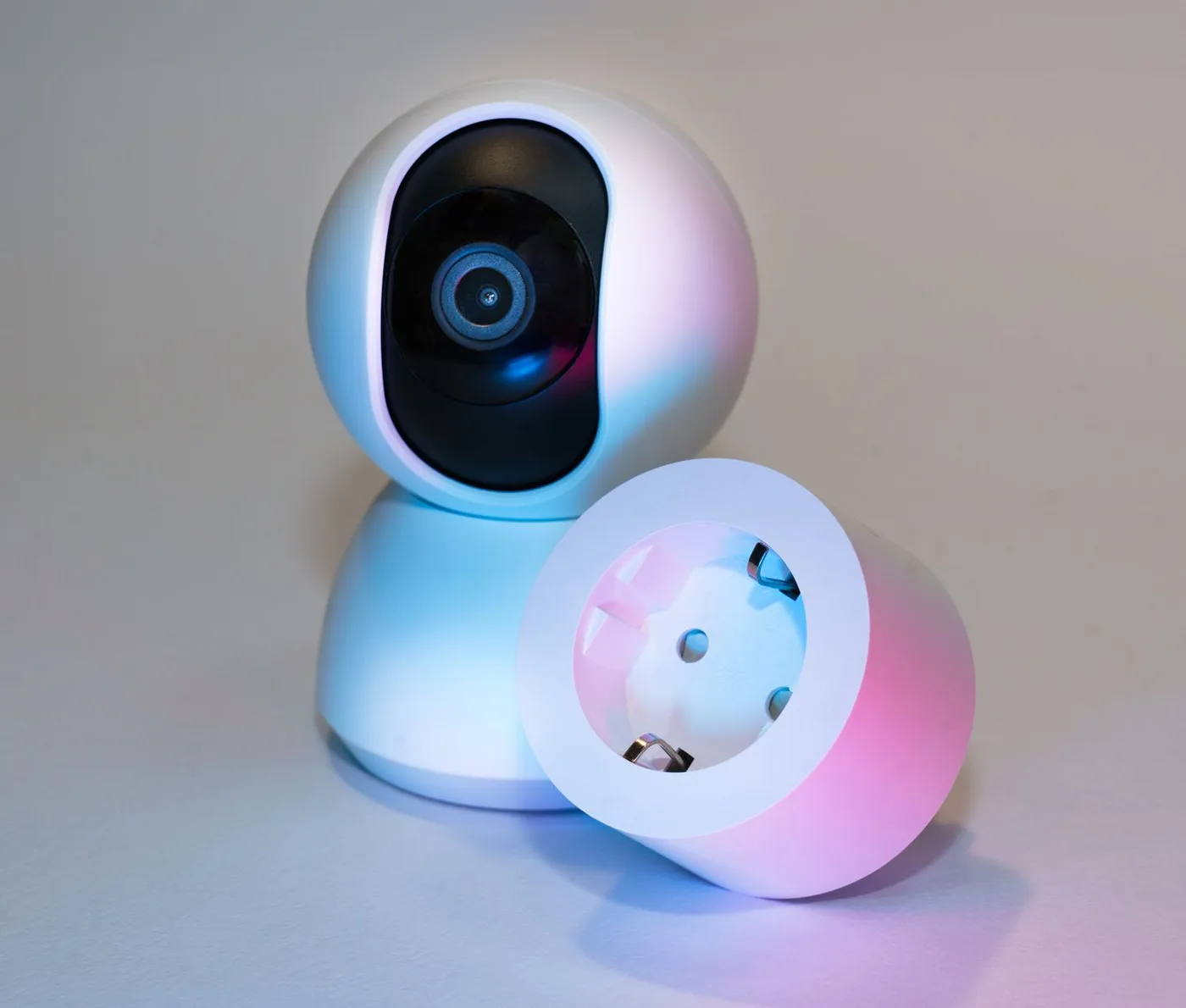
Imagine arriving home with groceries while the living room lamp sits behind a chair. Reaching its switch is awkward, but replacing a perfectly good lamp feels unnecessary. A smart plug can make that particular routine easier. It is less convincing when the proposed job involves an appliance that needs supervision, forgets its settings, or cannot restart after its power is interrupted.
Choose the task before choosing the ecosystem. This guide focuses on ordinary household convenience and published manufacturer information. A plug that solves one recurring annoyance is a better starting point than a multipack bought before you know where any of them will go.
A smart plug is most useful when it automates a simple, compatible device and still leaves the household an obvious manual control.
Do the unplug test first
With the device operating normally, switch it off at the outlet or unplug it, then restore power while you are present. Does it resume the state you want, or wait for someone to press an electronic button? A lamp with a mechanical switch often suits this workflow. An appliance with touch controls may not. Read both the appliance instructions and plug manual before automating anything; a successful restart alone does not establish that unattended use is permitted.
Compare the appliance label with the plug's published electrical limits, including any separate limits for motor loads. Do not infer compatibility from a headline amperage. For this beginner project, leave space heaters, cooking equipment, medical equipment, and other critical or heat-producing loads out of the plan. If the manufacturer forbids external switching, stop there.
Match the connection to the home you already have
Write down the exact app or voice assistant everyone already uses. Then check the chosen plug's setup requirements, supported wireless connection, and whether an additional controller is needed for your preferred integration. Matter is a compatibility standard, not a promise that every feature appears in every app. A logo on a box is the beginning of that check rather than the whole answer.
For example, TP-Link lists Matter support, scheduling, and energy monitoring for the Kasa KP125M. Its current support notes explain that energy monitoring support can differ between Matter apps and firmware versions. That makes the manufacturer's setup guide and release notes more useful than assuming an older product review describes today's software. Keep the pairing code somewhere accessible after installation.
| Household need | Prioritize | Potential mismatch |
|---|---|---|
| One reading lamp | Accessible physical button and simple schedule | A complicated hub purchase for one routine |
| Shared home | Controls in an app already used by the household | Automation only one resident can change |
| Understanding consumption | Supported energy history in the intended app | Assuming every integration exposes the same data |
| Tight duplex outlet | Exact dimensions and neighboring plug clearance | A compact label without checking bulky adapters |
Make the first schedule deliberately boring
Name the device by location and function, such as Living Room Reading Lamp. Create one evening on-time and one off-time. Avoid stacking schedules in both the manufacturer app and another home platform until you understand which one is controlling it. Competing rules can turn troubleshooting into a guessing game, especially when daylight-saving changes or travel alter the routine.
Try the physical button, the app, and the usual voice command while another person watches the lamp. Then check what happens when the lamp's own switch is off: the smart plug cannot light a bulb that is disconnected downstream. A small instruction card for a guest can be more helpful than another automation. Leave the wall outlet reachable.
Use energy data to answer one question
If consumption tracking interests you, choose a specific question: how much does this entertainment setup use during a normal week? Record a representative period before changing the schedule. Compare like with like afterward, including days when the household was home. A short snapshot during unusual use is a weak basis for forecasting a year of savings.
Treat any app cost estimate as a calculation based on the rate you entered, not as a replacement for your utility bill. The practical benefit may simply be discovering that the hoped-for savings are too small to justify additional plugs. Buy energy monitoring when you will use the information; it adds little to a decorative lamp whose schedule is already obvious.
Who should buy one, and who should skip it
Buy one if you have a compatible low-risk device, a repetitive switching task, reliable setup access, and a clear place for manual control. Test it in that spot before expanding. A household with several people benefits from agreeing on a single naming convention and giving the appropriate residents access rather than sharing one person's account password.
Skip the purchase if a normal outlet timer already does the job or you do not want to maintain another connected device. Also pause if the outlet is loose, damaged, inaccessible, or crowded with adapters; automation does not fix the underlying arrangement. Choose a standard lamp switch when that is the easiest dependable solution.
Shopping notes
Use these options as a starting point, then check dimensions, current materials, care instructions, availability, and the retailer’s return policy before ordering.
Kasa KP125M official product page
Consider it for: A starting point for a lamp routine when Matter integration and consumption history are useful. Review the current setup requirements before ordering.
The tradeoff: Energy data availability depends on the app and firmware. Check the actual outlet and appliance limits instead of assuming universal compatibility.
Explore at the official site External merchant link · no affiliate commissionYour questions, answered
Will a smart plug dim my existing lamp?
An ordinary on/off smart plug switches power rather than providing dimming. Choose a specifically compatible dimming product or bulb if brightness adjustment is the goal, and verify the lamp requirements.
What should I check after a power outage?
Confirm the model's power-restoration setting in its instructions and test it while you are home. Also check whether the connected device restarts and whether scheduled behavior resumes as expected.
Should every outlet become smart?
Only automate outlets with a useful, compatible task. Start with one routine and expand after a week of normal use. Unused features and unnecessary account maintenance provide little household value.
Sources & further reading
Product and care details were checked against the sources below on October 18, 2026. Our practical recommendations are editorial judgments, and a listed source does not imply endorsement.
- TP-Link: Kasa KP125M product informationChecked 2026-10-18
- TP-Link: KP125M manuals and current firmware notesChecked 2026-10-18