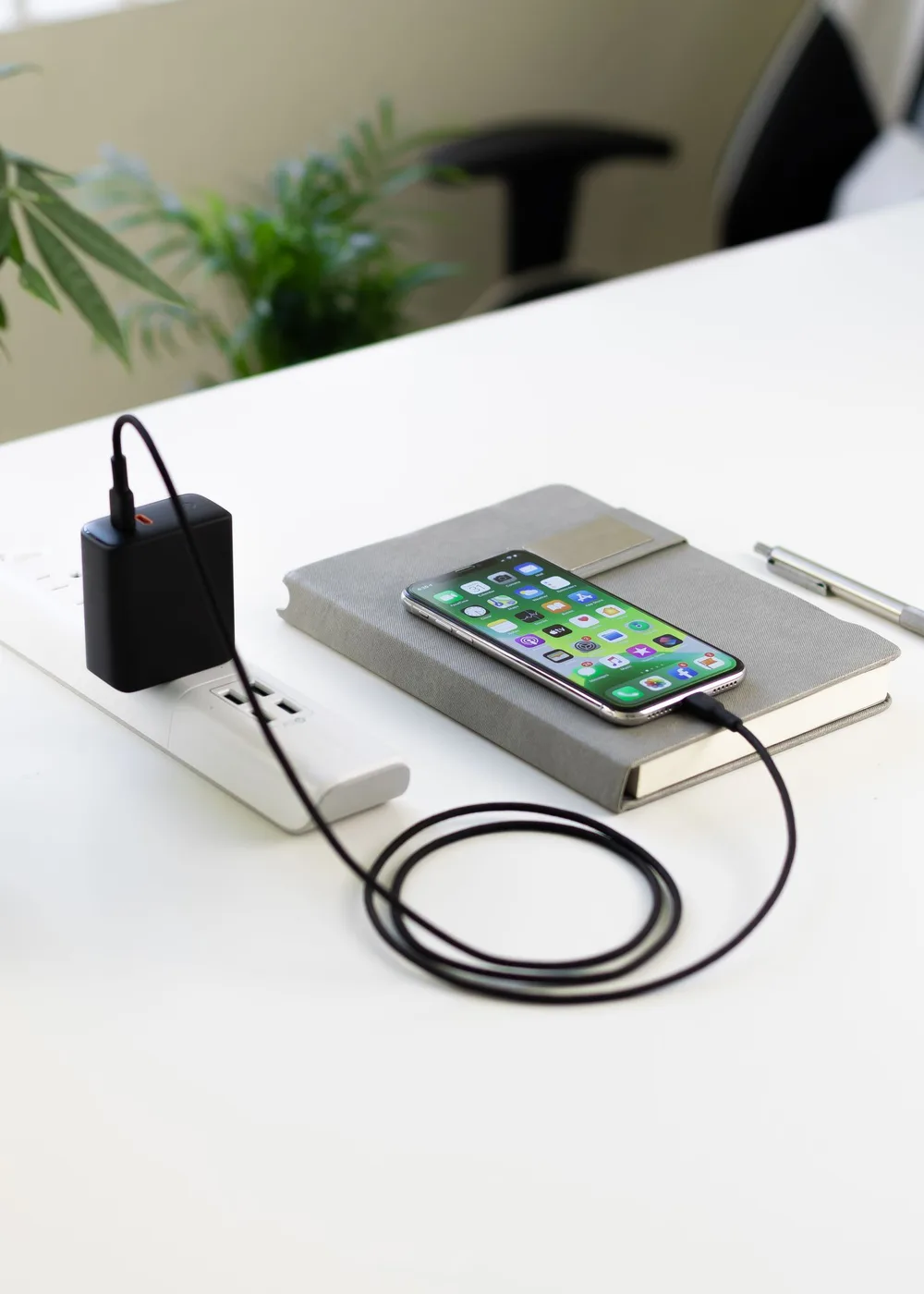
The kitchen end table often becomes an unofficial charging station: two phones, a school tablet, earbuds, and whichever laptop did not make it back to a desk. The clutter is partly electrical, but much of it comes from everyone borrowing the same cable and leaving adapters wherever they last worked.
Solve both problems together. Map which devices actually charge at the same time, choose a dry and accessible location, and provide a predictable place for each cable end. You may already own enough charging hardware. A new multiport unit is worthwhile only when it simplifies the real arrangement.
A useful charging station combines the right power allocation with obvious device spaces and cables that stay within reach.
Make a simultaneous-use list
List each regular device, its connector, and whether it needs to charge quickly during the day or can charge gradually overnight. Check its manufacturer's recommended charging equipment instead of guessing from the connector alone. A USB-C socket describes a physical connection; it does not tell you the supported power level or every charging capability.
Group devices by the times they use the station. A laptop that charges at a work desk does not need a permanent place in the hallway setup. Borrowed school or work devices may have their own charging requirements. Keep those instructions with the device rather than assuming the household's newest adapter is automatically the right replacement.
Read the power-sharing diagram
Multiport chargers advertise a maximum, but that number can describe one port used alone or the total shared across ports. Open the manufacturer's allocation chart for the exact combination you plan to use. On Anker's current Nano Charging Station 7-in-1 100W page, connecting multiple USB devices changes the available output per port. Four connectors do not mean four independent maximum-power chargers.
Choose the allocation that supports your busiest normal moment. If a laptop needs substantial power while a tablet and two phones charge, compare that combination specifically. If everything rests overnight, an expensive maximum-output claim may matter less. Also check cable specifications where high-power charging is required; replacing only the wall hardware may not create the intended result.
| Household pattern | Practical priority | Avoid paying for |
|---|---|---|
| Two phones overnight | Reliable compatible ports and reachable cables | Laptop-class output with no laptop present |
| Laptop plus several accessories | Published power distribution for simultaneous use | A total wattage without a port chart |
| Mixed older and newer devices | The actual cable ends and port types needed | Replacing working cables just for matching colors |
| Shared hallway shelf | Clear device spaces and a tidy cord route | A large display that consumes the usable shelf |
Choose a location people can leave alone
A useful station is close enough to the usual drop zone to become a habit, but away from the sink, food preparation, and drink spills. Put it on a stable surface with access to its controls and ventilation. Keep charging hardware uncovered and follow the manufacturer's placement instructions. An attractive closed decorative box is not automatically a suitable enclosure for powered equipment.
Arrange the devices first, using books or paper outlines to simulate their footprint. Leave room to lift a tablet without dragging a neighboring phone. Position cables so they cannot catch in a drawer or pull across the walking path. Use an appropriate outlet directly as instructed, and do not expand a crowded setup by daisy-chaining strips.
Make each cable end easy to return
Choose cable lengths for the route, with a little comfortable movement rather than a coil of excess cord. Reusable ties can gather slack without forcing sharp bends. A simple cable holder near the front edge prevents ends from dropping behind furniture, provided it fits the cable and is mounted to a suitable surface.
Separate everyday station cables from travel cables. Otherwise the first person who packs for a trip dismantles the whole system. Small labels can identify a personal cable or the port intended for a laptop. Keep the instructions readable: one clear designation is more helpful than covering every connector in a different coding system. Check damaged cables and replace them instead of hiding wear behind a sleeve.
Run an ordinary-week trial before upgrading
Build a temporary version with the compatible equipment you already have. Observe whether devices end up in the intended places, whether a cable reaches comfortably, and which charging combination causes inconvenience. The trial may reveal that a small shelf tray and one extra cable solve the issue more effectively than a new station.
Buy a multiport charger when it removes several adapters or supports a documented simultaneous charging need. Skip an oversized unit when the station holds only a phone and earbuds. A wireless stand is a separate convenience choice: check exact device and case compatibility, placement, and charging requirements. Keep at least one suitable wired option available if precise alignment becomes an annoyance.
Shopping notes
Use these options as a starting point, then check dimensions, current materials, care instructions, availability, and the retailer’s return policy before ordering.
Anker Nano Charging Station 7-in-1 100W
Consider it for: A published power-allocation example for households comparing several USB devices and a laptop at one location.
The tradeoff: Output changes with the occupied ports. The official page showed sold-out status when checked, so compare availability and alternatives rather than assuming immediate delivery.
Explore at the official site External merchant link · no affiliate commissionYour questions, answered
Can I use a third-party adapter for an Apple device?
Apple permits suitable third-party adapters that comply with applicable safety standards. Confirm the exact device, cable, and adapter requirements using its support information rather than choosing by connector shape alone.
Why does a charger show less than its advertised wattage?
The rating is a maximum, and shared-port allocation and the connected device's current demand affect output. Check the manufacturer's chart and device instructions before concluding that a lower live number means failure.
Should the station live inside a drawer?
Only if the equipment and furniture arrangement are specifically suitable under the manufacturers' instructions. A dry open surface with unpinched cords and accessible controls is a simpler starting point.
Sources & further reading
Product and care details were checked against the sources below on October 18, 2026. Our practical recommendations are editorial judgments, and a listed source does not imply endorsement.
- Anker: Nano Charging Station specifications and power allocationChecked 2026-10-18
- Apple Support: About Apple USB power adaptersChecked 2026-10-18